Picture Screen
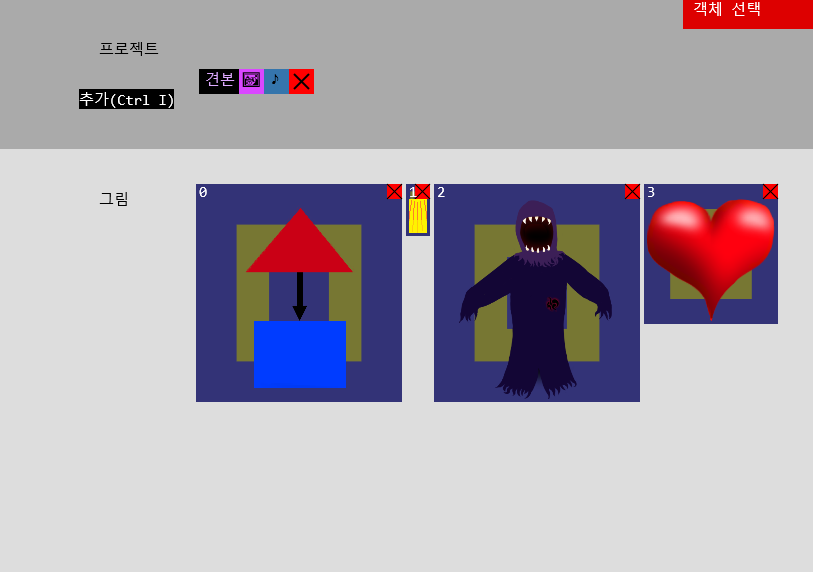
•On the picture screen, you can view pictures included in the project. You can attach an image or include another project with the Alt I key.
•You can change the number by selecting an image and entering a number.
•You can remove the image by pressing the X button. Clicking on an empty space in the project area returns you to the selection screen.
Comments